How to disable PDF file thumbnails generated by PDF24

Got tired of Adobe's Acrobat Reader constantly nagging me about AI features

Tried out PDF24 and it seemed ok, except for one small problem; PDFs were showing up with thumbnails as if they were image files. I don't like that.

AI searches were rubbish and deleting registry folders didn't do it.


How to fix

  1. Download nirsoft ShellExView
  2. Open it up and search for "PDF24 PDF Thumbnail Handler"
  3. Right click
  4. Select "Disable selected item"
  5. Then open up Start > "Disk clean-up"
  6. Untick everything except for "Thumbnails" at the bottom
  7. Click "OK" and confirm
  8. Now refresh your desktop or folder and it should no longer show a preview
Windows / Nvidia: How to reduce GPU usage for Instant Replay when idling on desktop (without disabling it for games)


The other day I was glancing at Task Manager and noticed something annoying...

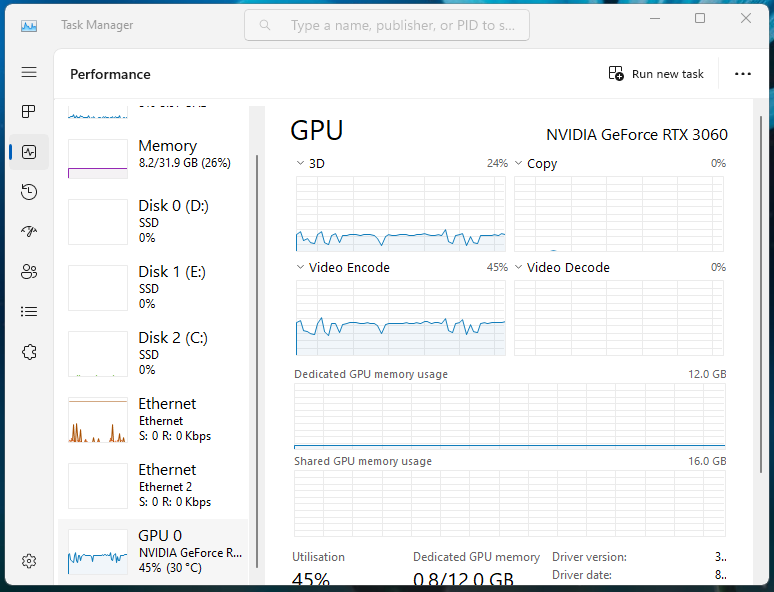
For some odd reason, the GPU was busy at around 40% capacity while I wasn't really doing much on the desktop.


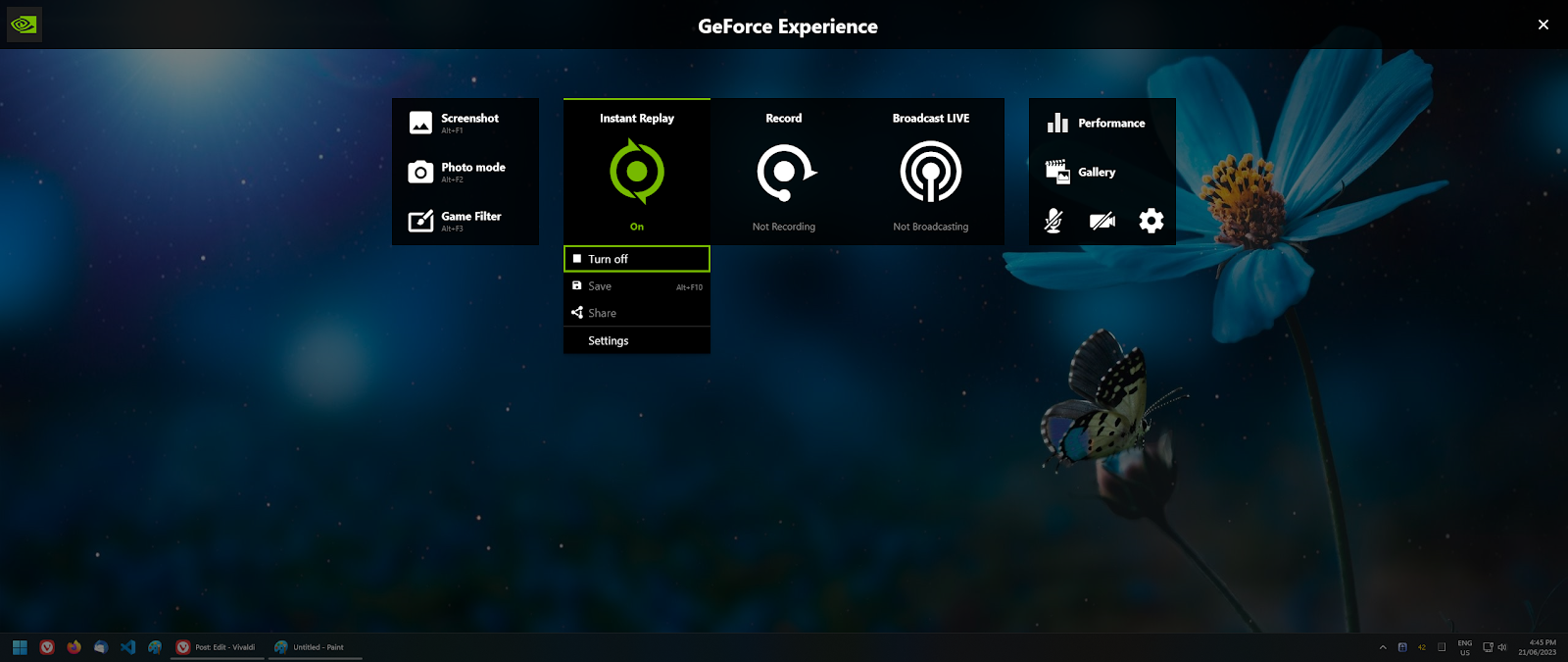
After a bit of sleuthing, it turns out the "Instant replay" feature is constantly recording and encoding in the background, which is a pretty cool feature for gaming but a waste of power for my day to day usage.

While the easy option is to turn off Instant Replay altogether, I still want it on while I play games.

Fortunately there is an easy way to achieve that, but unfortunately its not obvious how.

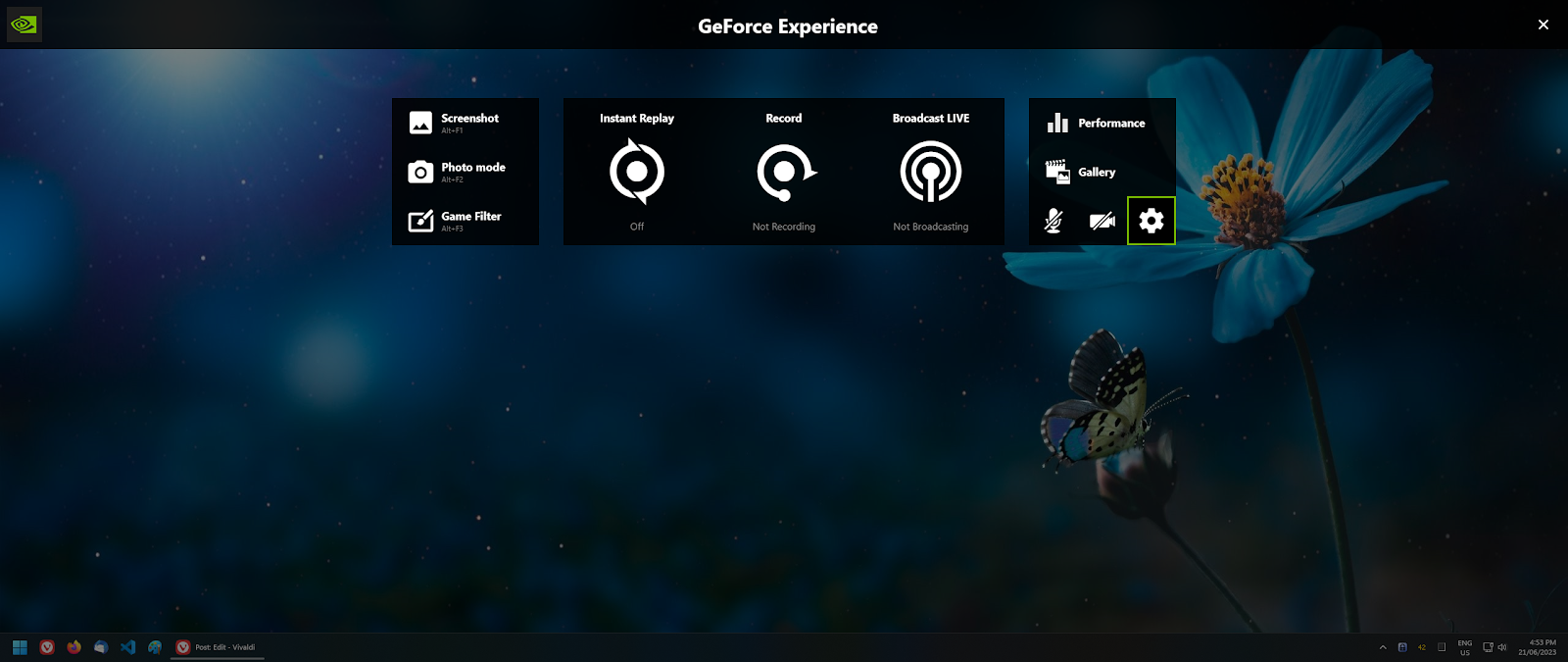
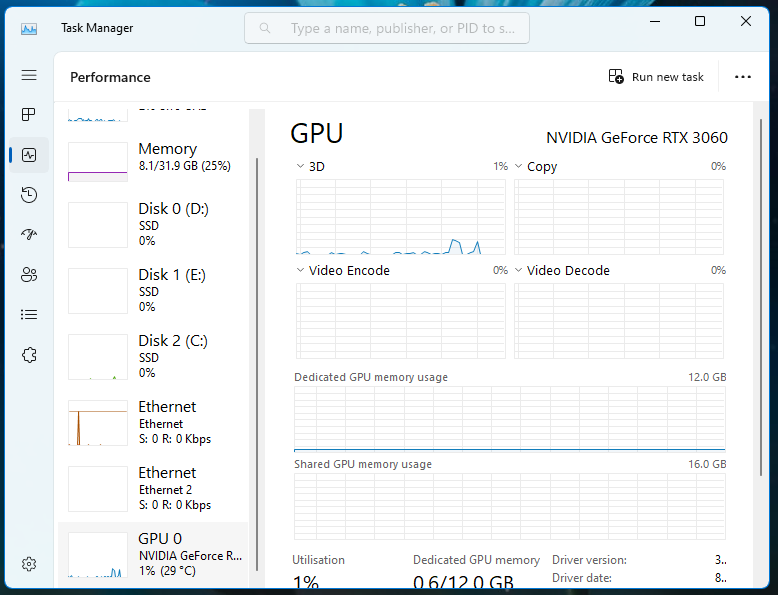
1. Turn off Instant Replay (and watch your GPU usage drop to 0%)


2. Turn off desktop recording by going to

  • Settings (Cog)
  • Scroll down to Privacy control
  • Untick "Desktop Capture"


3. Back out and "Done" until you see the main UI

4. Turn Instant Replay back on and enjoy the 0% usage while idling on desktop


Copyright © Twig's Tech Tips
Theme by BloggerThemes & TopWPThemes Sponsored by iBlogtoBlog